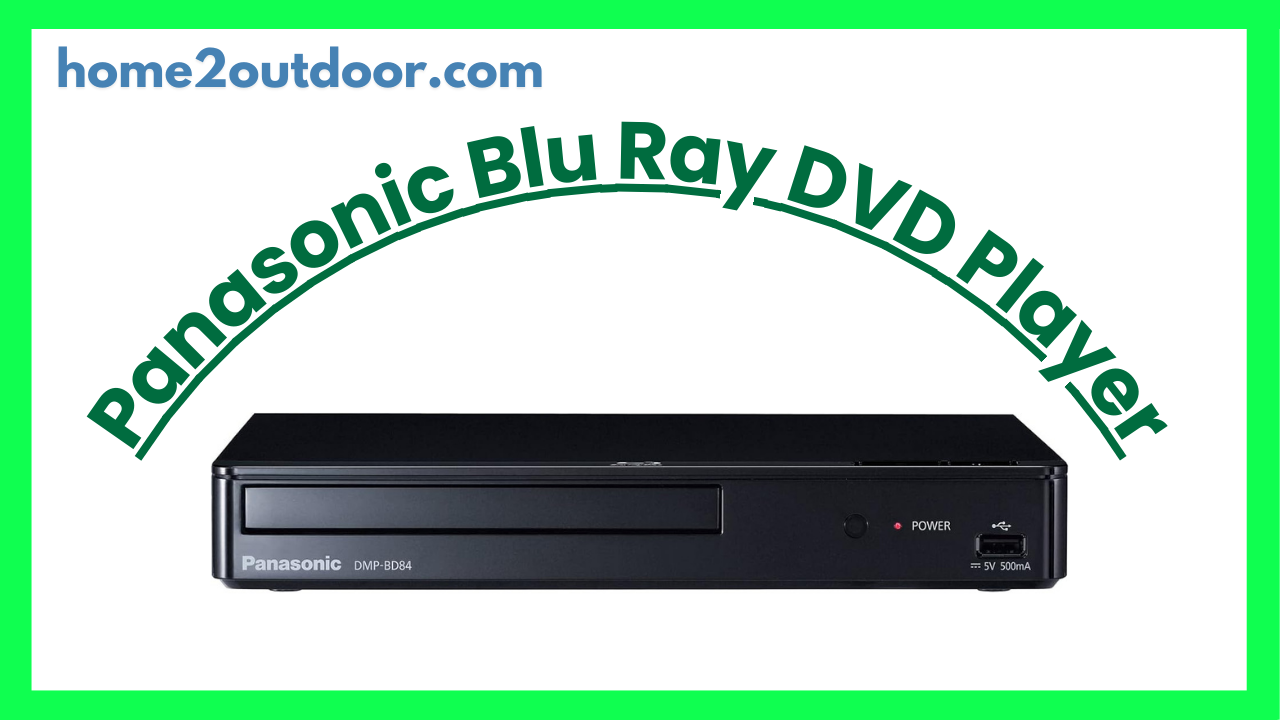
Here’s a general review of Panasonic Blu‑Ray / Ultra HD Blu‑Ray players (especially recent models) — what they tend to do well, what their shortcomings are, and when they’re a good buy. If you tell me the exact model you have (e.g. DP‑UB820, UB154, DP‑BD45, etc.), I can give you a more specific evaluation.
What They Offer — Strengths
- Excellent Picture Quality & Upscaling
Panasonic’s players are widely praised for very good video performance. For example, the DP‑UB820EB is noted for superb upscaling of regular Blu‑Ray and DVDs to 4K.
Even in more entry‑level models, the upscaling does a good job of sharpening edges and reducing blur, especially compared to more basic or older players. - Support for HDR Formats & Modern Color / Tone Features
Mid‑ to high‑end Panasonic models (e.g. DP‑UB820) support a variety of HDR formats (HDR10+, HLG, etc.), and features like tone‑mapping and “HDR Optimizer” to make HDR content look better under different lighting conditions.
This helps improve contrast, detail in shadows, and make bright scenes more realistic. - Good Audio Options
Many of Panasonic’s units offer strong audio support: bitstream output of formats like Dolby Atmos, DTS:X; some models include analogue multi‑channel outputs for those who want them. - Solid Build & Longevity
Users and reviewers often note that Panasonic units are built reasonably well and have decent longevity. The picture quality tends to hold up over time. - Feature Balance & Value in Mid‑Range Models
Models like the DP‑UB820 give many premium picture/audio features at a more affordable price compared to flagship players. TechRadar and others regard the UB820 as one of the best value 4K Blu‑Ray players.
Even more budget models (e.g. UB154) are praised for delivering excellent image quality at a lower cost, though with some trade‑offs.
What They Don’t Do So Perfectly — Weaknesses & Trade‑Offs
- Slower Menus / Load Times
Some Panasonic players are noted to have somewhat sluggish user interface responses, longer load times when starting from cold, or delays navigating disc menus in certain disc types. - Limited Features in Lower‑Cost Models
Less expensive models often have fewer inputs/outputs, simpler front panels, minimal display (some don’t show runtime/disc info), fewer streaming options, or lack support for certain HDR formats like Dolby Vision.
The UB154, for example, lacks Wi‑Fi in some versions; has a no‑frills design and a more basic remote. - Design / Physical Limitations
Some models have physical design compromises: larger disc trays that require space in front; front‑panel displays are minimal; build is solid but sometimes heavy; some parts are more “budget‑looking” in cheaper units. - Firmware / Compatibility Issues
A few users report that some discs (especially newer UHD / 4K or region variants) sometimes glitch or are less well supported. Also, firmware updates may be needed to fix issues. Occasionally, streaming app availability varies with region. - No Perfect One‑Size‑Fits‑All
If you want absolute top‑tier features (e.g. many analogue audio outputs, ultra‑bright HDR, Dolby Vision + Atmos + every feature), you’ll need to go to flagship models, which cost significantly more. Panasonic’s premium models are excellent, but pricing goes up.
Who It’s Best For
- Home theater enthusiasts who care about picture quality (4K, HDR, good upscaling) and want a reliable player.
- People with a 4K or high‑quality TV who want to get maximum out of Blu‐Ray / UHD disc content.
- Users who have sound systems or home theater setups that can take advantage of advanced audio formats.
- Those who are willing to spend a bit more for video/audio fidelity, rather than just basic streaming.
When a Panasonic Blu‑Ray Player Might Not Be the Best Choice
- If most of your content is streaming, and you rarely use physical discs, then the extra cost may not be justified.
- If you want the cheapest possible Blu‑Ray / DVD player, simpler / budget brands may suffice.
- If you need features like Dolby Vision, many analogue outputs, or ultra‑fast startup, you might need to compare flagship or competitor models.
- If regional disc compatibility or future support is critical, you should check firmware/version, region codes, etc.
Bottom Line
Overall, Panasonic’s Blu‑Ray (and Ultra‑HD Blu‑Ray) players represent some of the better options in the market for those who want high fidelity picture & sound and a good balance between price and features. Their mid‑range players (like the DP‑UB820) are often the “sweet spot” for people wanting modern HDR features and good build without paying flagship prices. Budget models strip away some features, but still deliver solid picture quality.